Clay Studio

Where the minds work together

Bring your teammates and AI together to build, solve problems, and explore new ideas. Keep your conversations and projects connected in a workspace on your own system, even as you change models. Open source, so you can see how it all works.

Your thinking deserves a home of its own.

Supported providersModels and providers
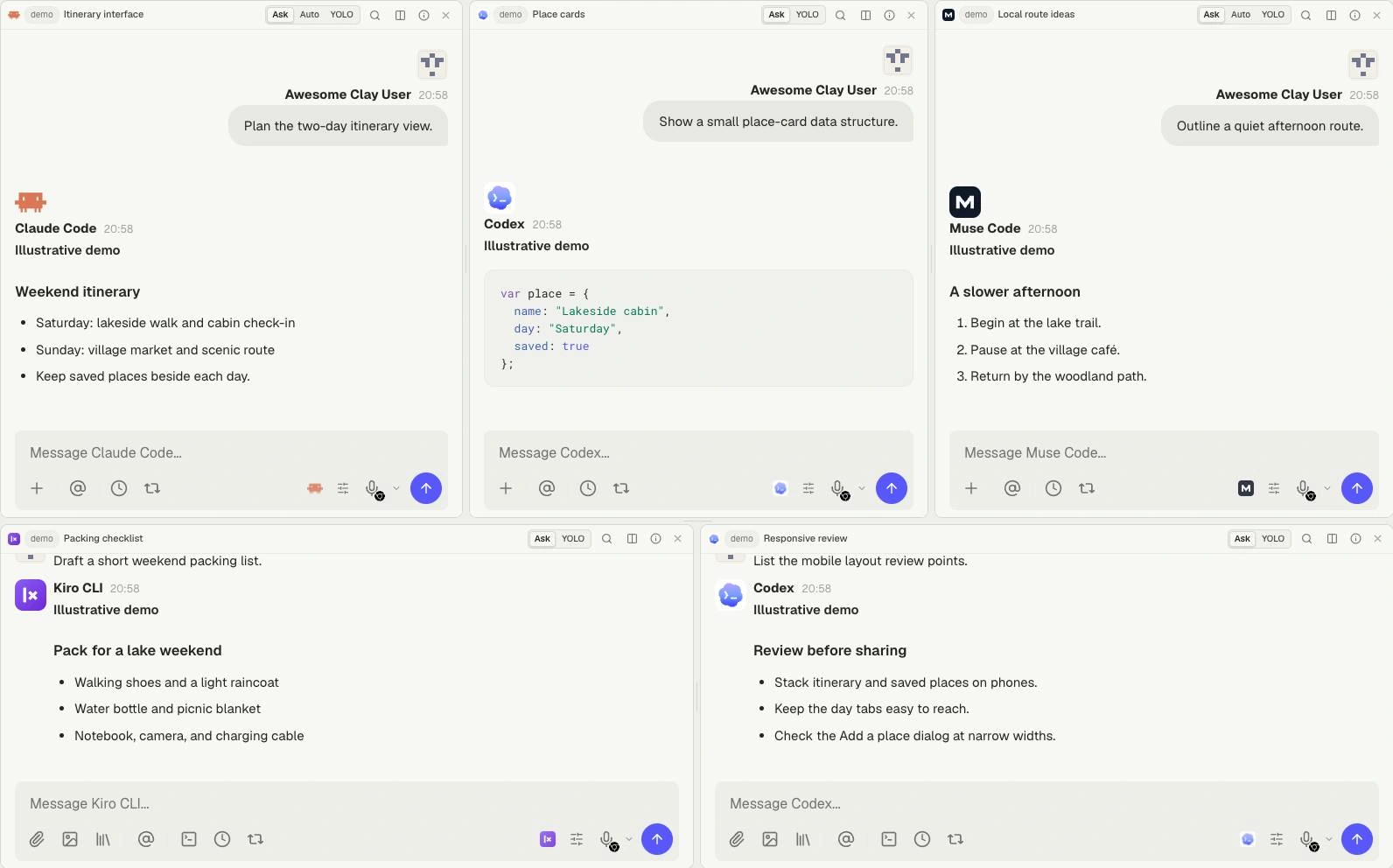
  • Claude Code
  • Codex
  • Muse Code
  • Grok Build
  • Kimi Code
  • GitHub Copilot CLI
  • Qwen Code
  • Junie CLI
  • Antigravity CLI
  • OpenCode
  • Kiro CLI
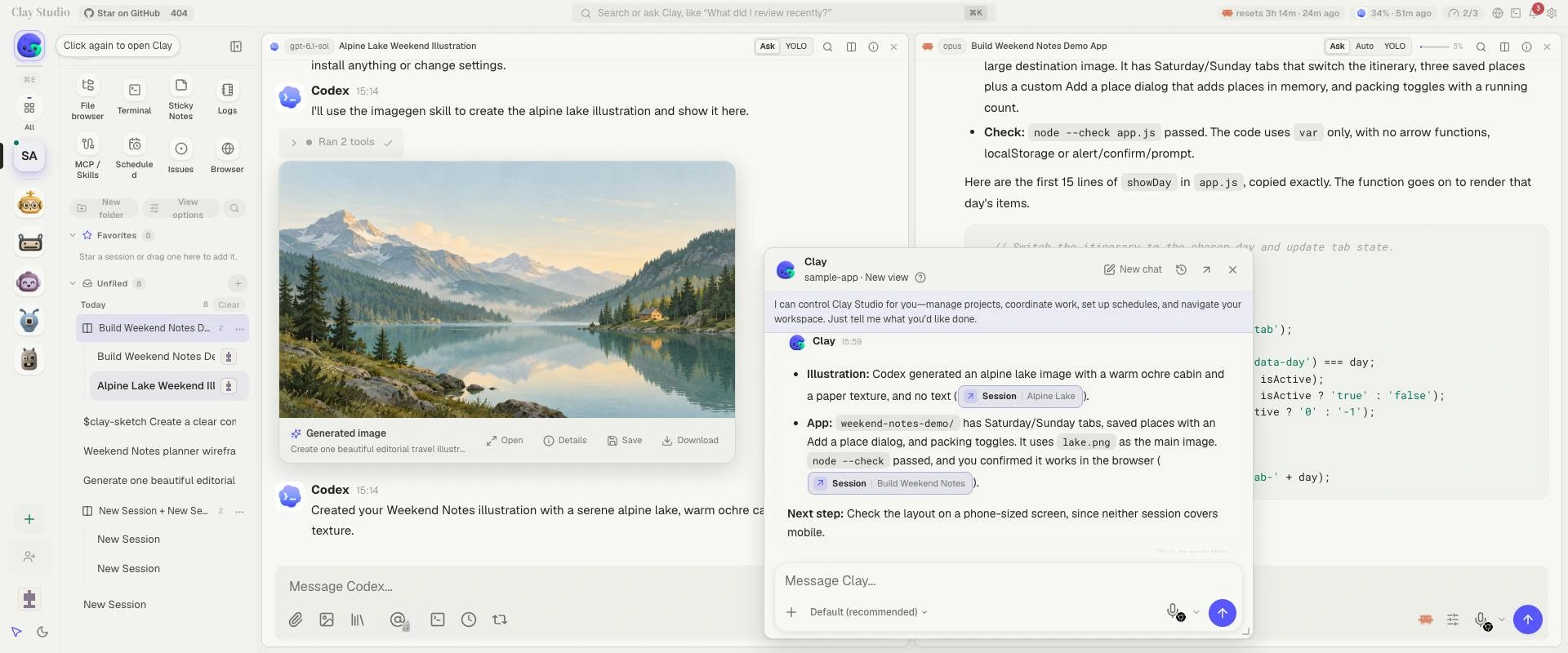
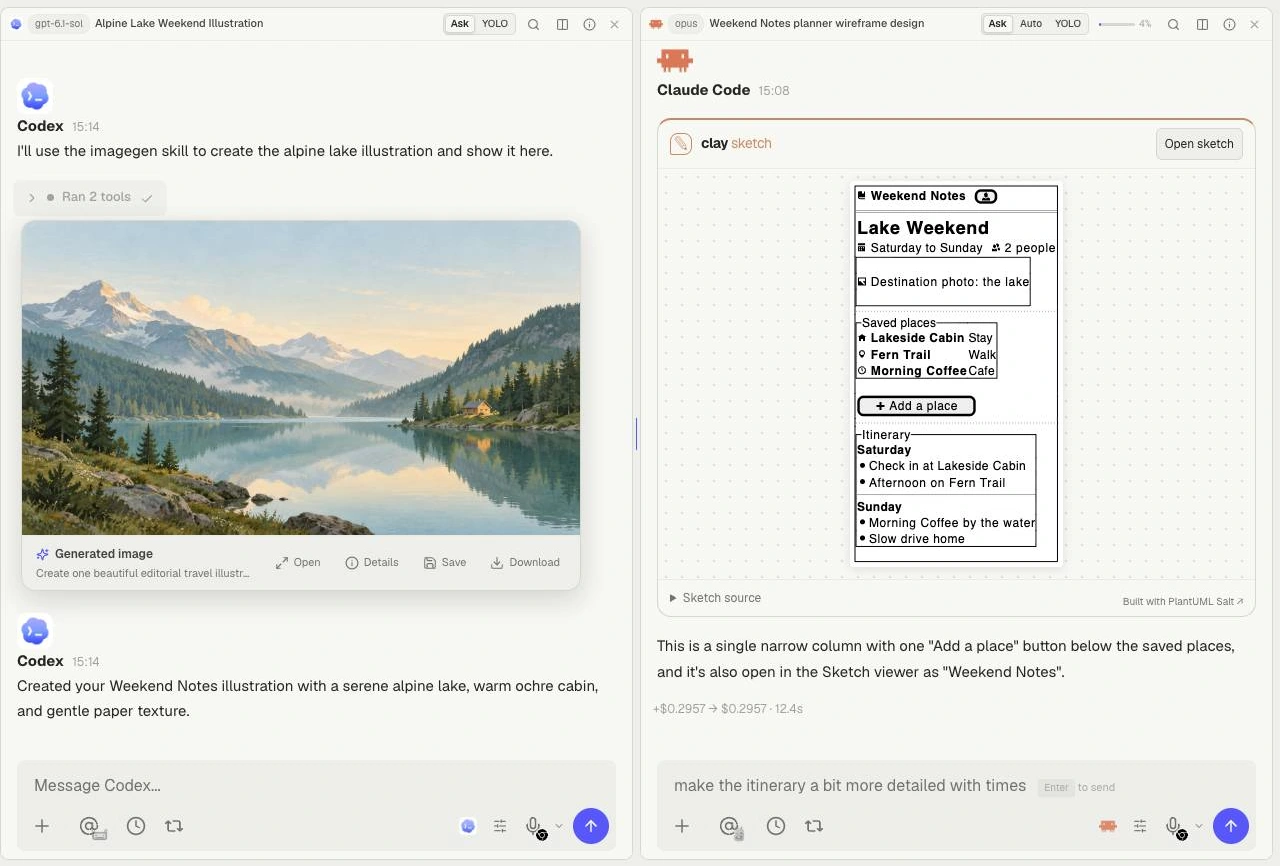
The full Clay Studio workspace with Codex's generated alpine-lake illustration, Claude Code's Weekend Notes implementation, and a floating Clay conversation summarizing both sessions.
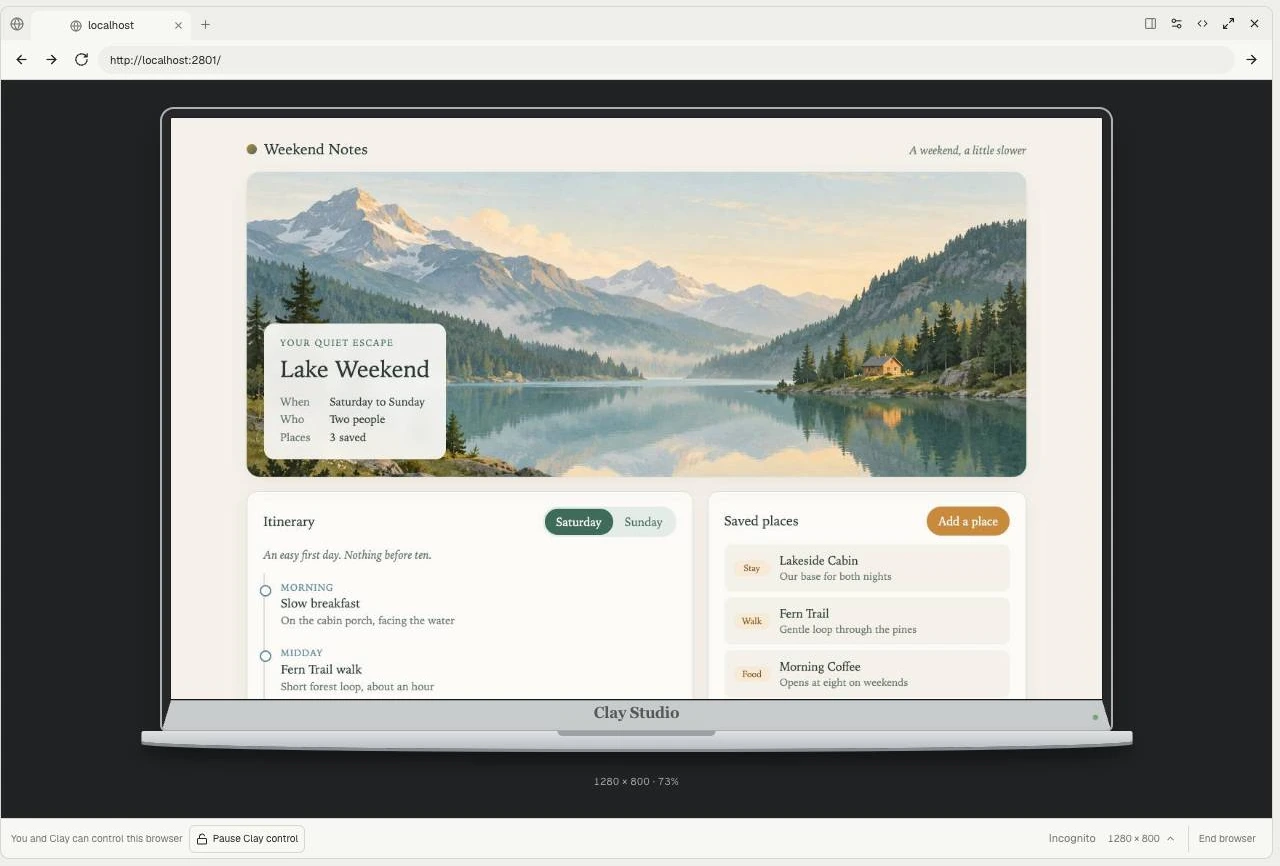
Weekend Notes in Split View: Codex generates the illustration, Claude Code builds the app, and Clay summarizes the two conversations. Workspace guide

Documentation

Setup, workspace tools, and reference guides.

Projects and Mates in Clay StudioUnderstand projects and Mates, and how Clay helps coordinate your work.Getting startedJoin an existing Clay Studio server or install one and choose your first task.Provider sign-inInstall your first AI provider, sign in, and check that a session can use it.Your first projectCreate a project, choose a working directory, and run a first session.
Navigate Clay StudioUse the sidebar, search, favorites, folders, and keyboard focus.Split ViewsCreate, move, resize, rename, favorite, and separate panes.Workbenches and panesArrange tool panes as overlays or dock them beside your conversations.Projects and working directoriesUnderstand project roots, working folders, and project-level tools.
Session lifecycleCreate, resume, rename, stop, and continue sessions.History and searchFind sessions, search a conversation, and inspect history.Fork and rewindFork a session or rewind project work with a clear recovery path.Session privacy and sharingSet visibility and understand project and worktree access.Session settings and handoffsChange model, effort, permissions, and continue with another agent.
Composer basicsSend, stop, edit, and refine a message in the main composer.Drafts and the message queuePreserve drafts and manage queued messages without losing intent.Attachments and contextAttach files, images, pasted content, and contextual sources.Mentions, voice, and slash commandsAddress Mates and users, dictate, and use available shortcuts.Responses, plans, and task progressRead tool results, plans, task progress, and approval requests.Delayed composer messagesSchedule a one-off message from a conversation composer.
Models and providersChoose a model and account for provider capability differences.Permissions and approvalsChoose Ask, Auto, or YOLO and understand when approval is still needed.Stop and recover workStop active work, inspect partial results, and resume deliberately.Usage and contextRead usage, context limits, and provider reporting carefully.Drivers and Split WorkersUnderstand the Driver/Worker relationship and bounded delegation.Worker messages and queuesSend live messages, queue work, interrupt, and resume.Worker lifecycleReview proposals, replace or close Workers, and preserve ownership.Background task conversationsOpen, stop, and review provider-supported background tasks.Provider capabilities and interfacesChoose between the chat interface, provider TUI, and Terminal.
FilesInspect project files, preview supported formats, and review agent changes.File history and GitInspect diffs, history, review changes, and link repository work.TerminalRun commands on the Clay Studio server and arrange terminal panes beside your work.BrowserUse tabs, cookies, incognito, viewport controls, and pause/resume.SketchCreate and revise a wireframe, save it to a project, or download its source.
Project LogsRead durable continuity records, revisions, and comments.IssuesTrack concrete work through an issue lifecycle and verification.Sticky Notes and record choiceKeep short attention items and choose the right project record.
Create and shape a MateSet identity, avatar, color, model, and interview context.Mate settings and conversationsManage Mate sessions, instructions, and conversation history.Knowledge, Memory, and MeDistinguish Mate Knowledge from owner observations and saved memory.Knowledge documentsMaintain documents in a Mate's Knowledge and inspect saved revisions.Knowledge databasesOrganize a Mate's Knowledge into fields, records, saved views, and imports.DebatesSet up a structured debate with several Mates and inspect the result.
Recurring Mate messagesCreate recurring private messages through a Mate scheduling interview.Project Scheduled TasksSchedule Driver and Split Worker work with recurrence and run history.Loop and RalphUse the built-in Loop interview and Ralph workflow where available.Pause, skip, and overlapUnderstand skipped starts, combined runs, and safe resumption.
MCP connections and browser extensionConnect remote, local, and browser-extension MCP servers.MCP imports and SkillsImport vendor connections and use the Skills workbench safely.GitHubLink issues and pull requests to sessions and review repository changes.LinearUnderstand saved connection limits, existing issue links, and the separate MCP route.Personal email and SMTPConnect personal mailboxes and distinguish them from server SMTP.
Users and rolesManage users, roles, permissions, and ownership.Project sharingSet public, private, allowed-user, and inherited access.Worktrees and sharingCreate a worktree, understand inherited access, and remove it when finished.Account, devices, and securityManage credentials, devices, passkeys, and sign-in policy.Server administrationConfigure HTTPS, proxy, SMTP, storage, upgrades, restart, and backup.
TroubleshootingResolve common symptoms with evidence-backed checks.Keyboard shortcutsNavigate, search, compose, and control panes with keyboard shortcuts.CLI referenceUse documented Clay Studio server commands and CLI options.GlossaryLook up Clay Studio concepts and follow links to the relevant guides.
Cloud providers process the requests you send to them. How data flows